How to Book Your Caribbean Ancestry Consultation
Booking is handled securely through Eventbrite. If you're unfamiliar with the booking process, follow the five simple steps below.
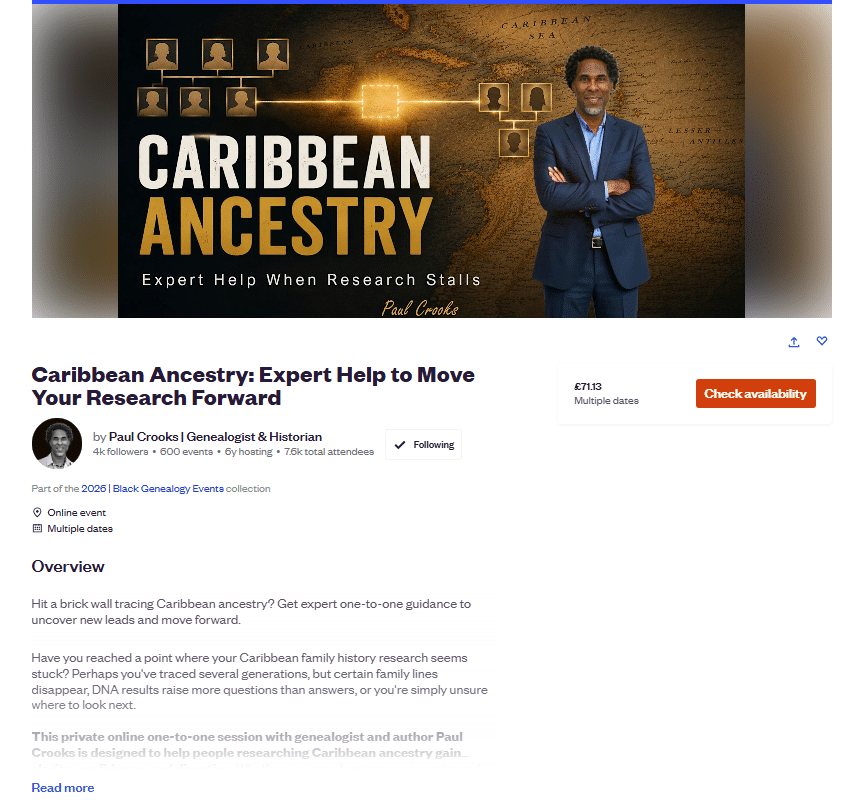
1. Open the booking page
Click Check availability on the Eventbrite consultation page.
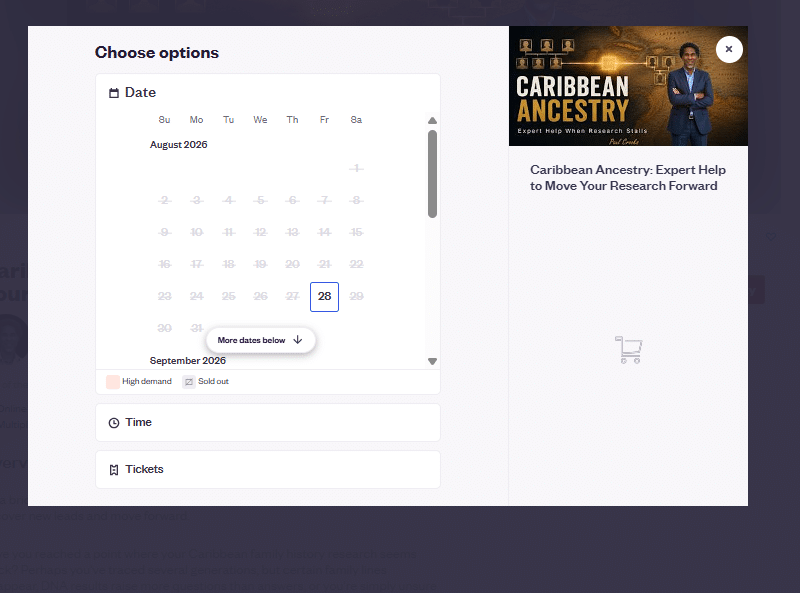
2. Choose a date
The booking window will open. Under Date, select an available date from the calendar, then click Time.
3. Select the available time
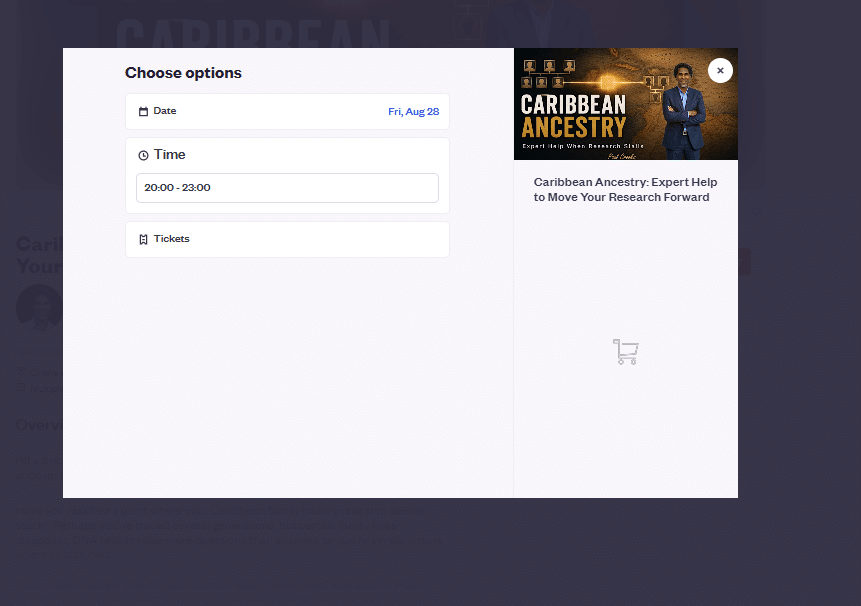
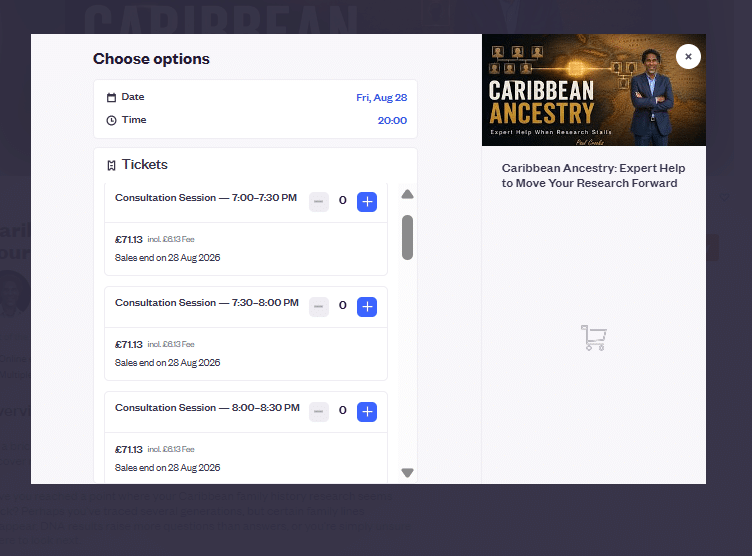
Choose the time displayed for your selected date. Then open Tickets to see the individual consultation sessions available within that time period.
Please note: The time shown at this stage is the overall booking period. Your consultation is 30 minutes. Open Tickets to choose your individual 30-minute session.
4. Choose your 30-minute consultation
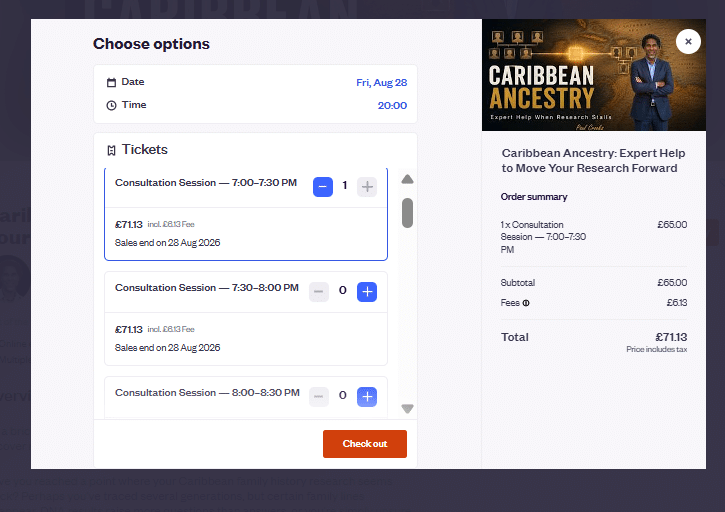
You will see the available 30-minute consultation sessions, for example 7:00–7:30 PM, 7:30–8:00 PM or 8:00–8:30 PM.
Find the time you want and click the + button next to that session.
5. Proceed to checkout
Check that the correct consultation time appears in the Order summary, then click Check out to complete your booking.